 TakeCut
Record it once. TakeCut does the editing.
TakeCut is a mobile video editor for talking-head content. Record or upload your raw takes, and it automatically cuts the silence, the filler words, and the flubbed lines — then burns in clean captions — so you ship the video instead of editing it.

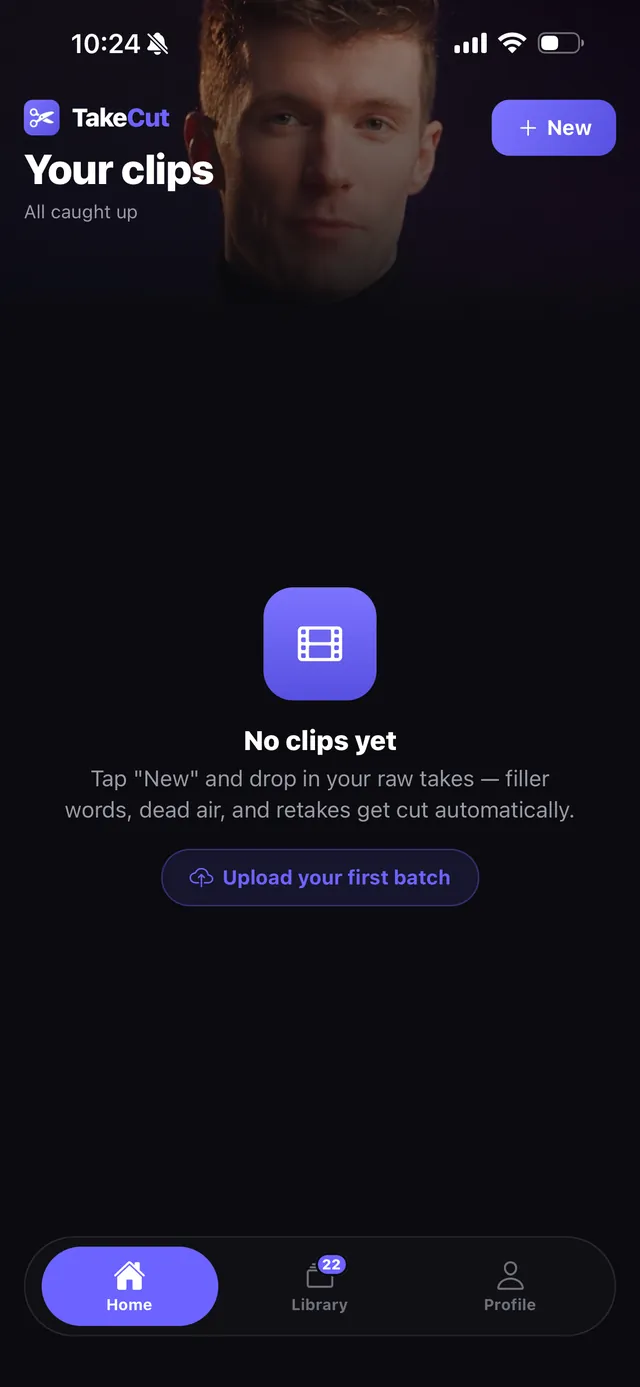
Everything a talking-head video needs
Built for creators, coaches, and founders who record more than they edit.
Auto-cut
Silence, "um"s, and repeated takes removed automatically — with a manual editor if you want to fine-tune every cut yourself.
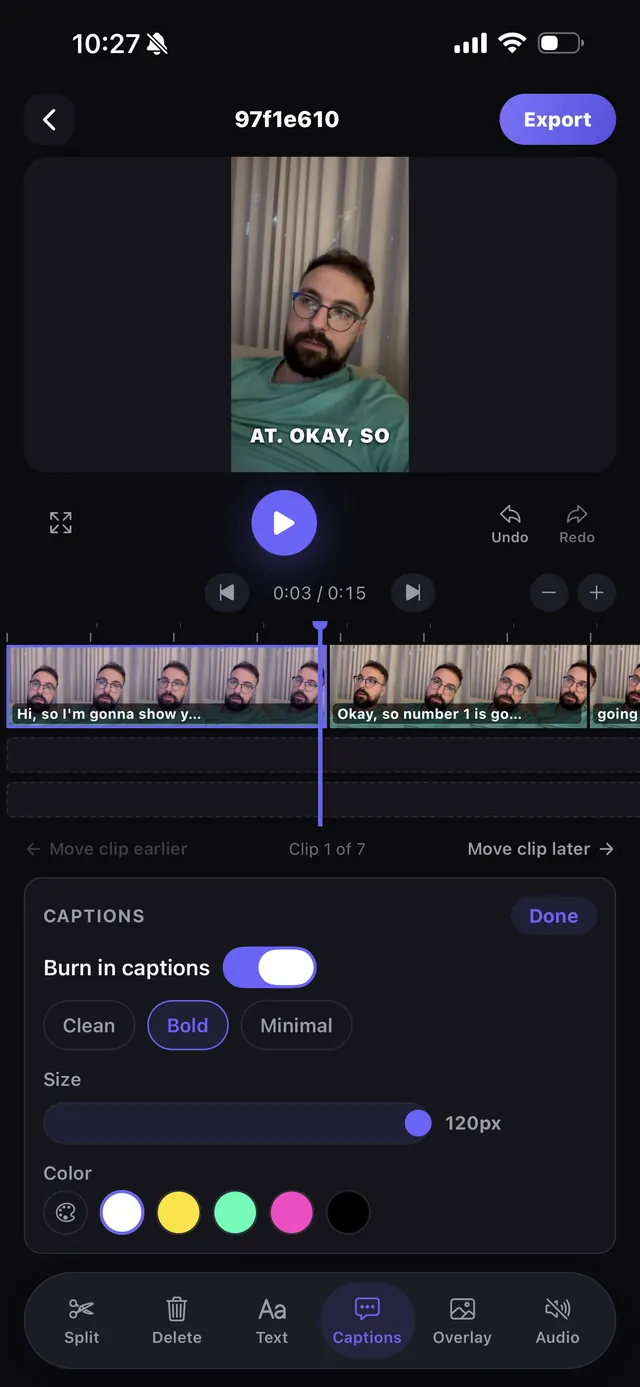
Captions, styled
Accurate captions burned straight into the export, with font, size, and color styles to match your brand.
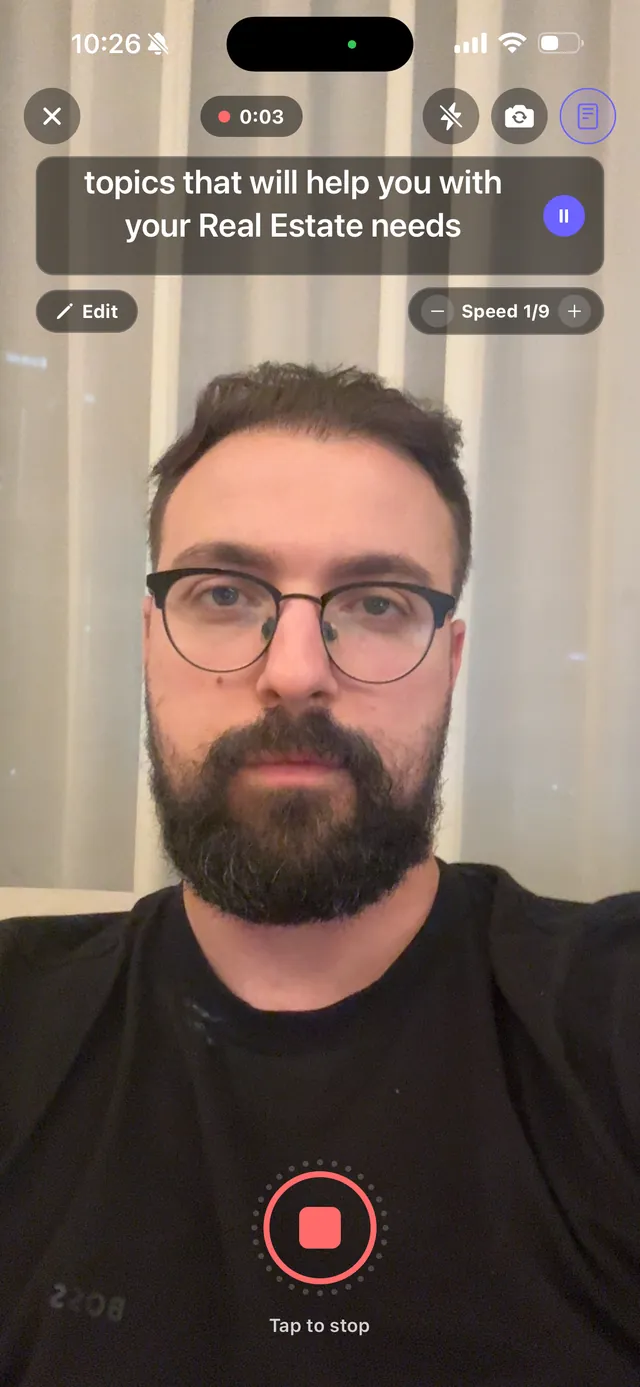
Built-in teleprompter
Record straight through your script at your own pace — no separate app, no fumbling for notes off-screen.
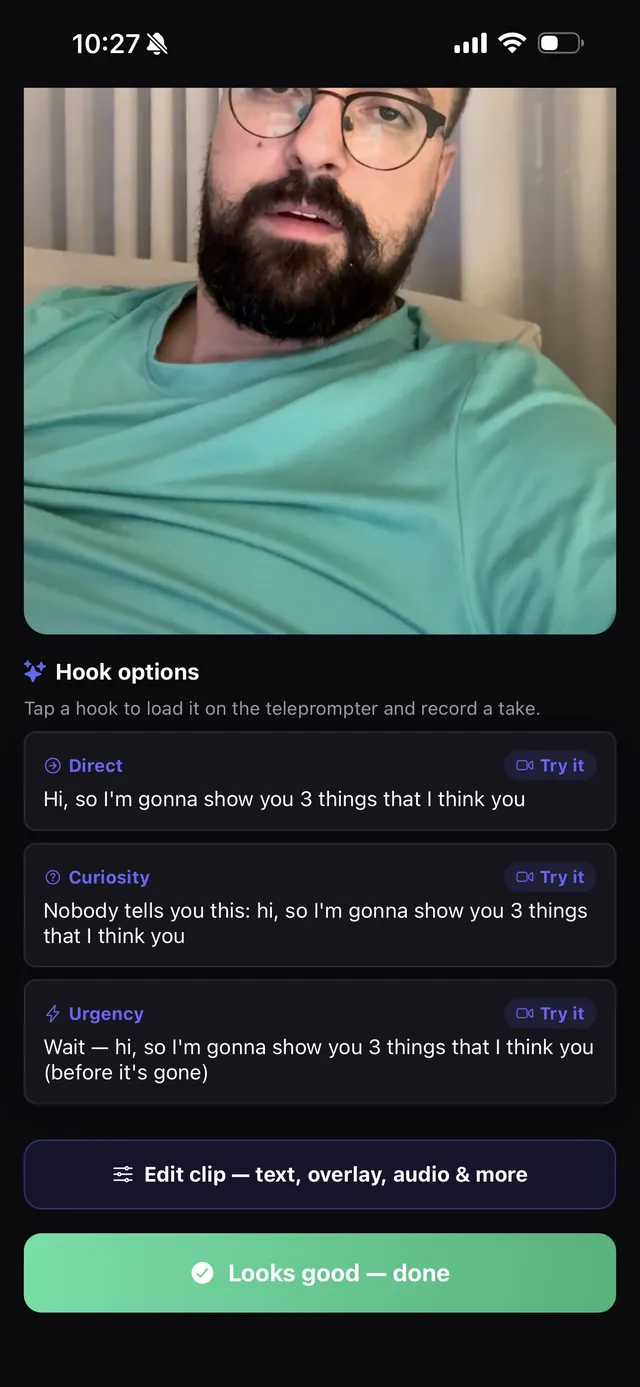
Overlays that pop
Drop in logos, callouts, and second-camera video overlays — trim and position them right on the timeline.
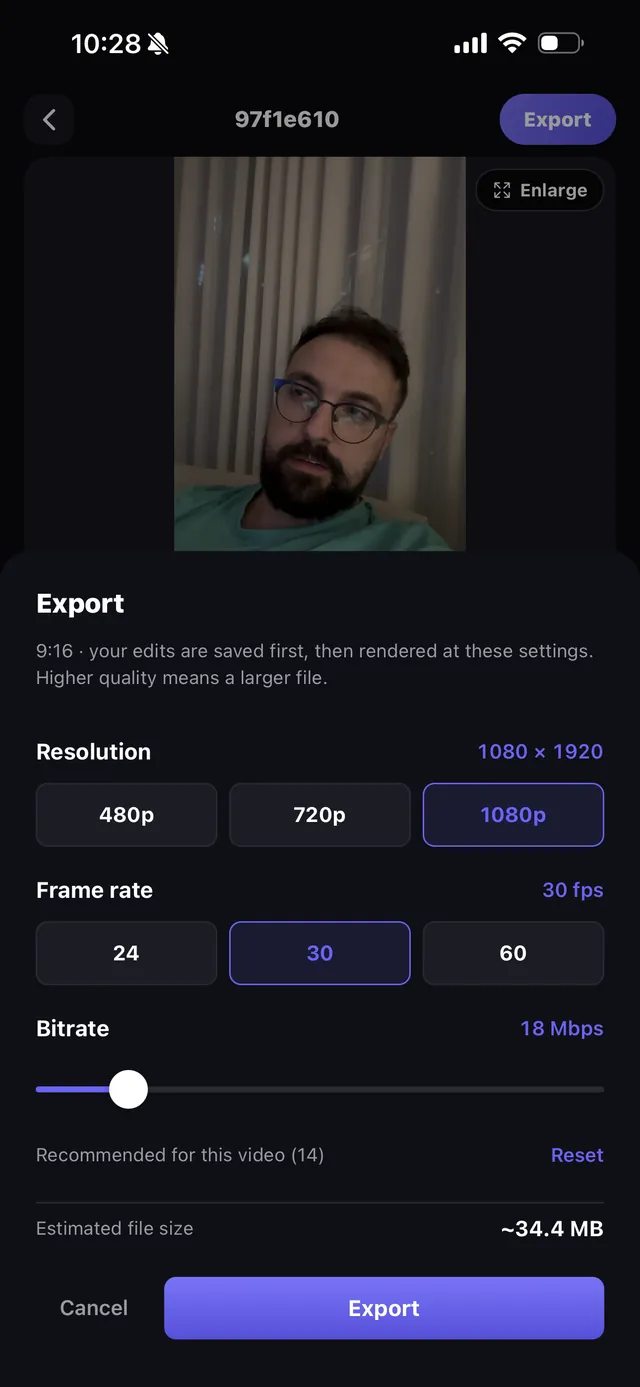
No watermark, ever
Every plan, including free, exports at full quality — up to 4K — with nothing stamped on top of your work.
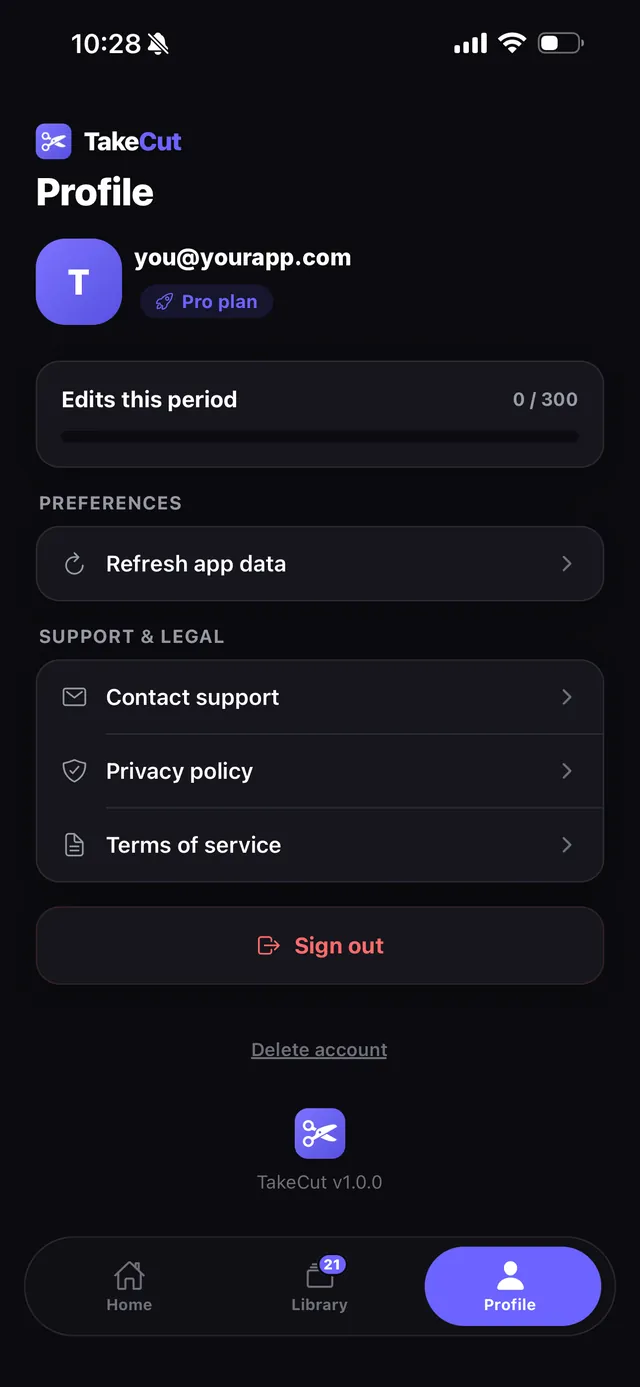
Batch processing
Queue up multiple raw takes at once and come back to a library of finished, ready-to-post clips.
Simple plans, priced to use daily
Start free. Upgrade when you're editing every day.
Starter
- 100 edits per month
- Auto-cut & styled captions
- No watermark, up to 4K export
- Manual editor & overlays
Pro
- 300 edits per month
- Everything in Starter
- Priority render queue
- Eye-contact correction
Ultimate
- Unlimited edits
- Everything in Pro
- Batch processing at scale
- Early access to new features
Questions
Is there really no watermark, even for free?
Right — every export, on every plan including the free trial, is full quality with no TakeCut watermark stamped on your video.
What counts as an "edit"?
One edit is one clip you upload and process. Re-rendering or fine-tuning a clip you've already uploaded doesn't use another edit.
What platforms is TakeCut on?
TakeCut is live on the App Store for iPhone (iOS 16.4 or later). Android isn't available yet.
Can I cancel anytime?
Yes — subscriptions are billed through the App Store and can be cancelled anytime from your device's subscription settings.
Stop editing. Start shipping.
TakeCut is live on the App Store. Download it free and ship your next video today.
Download on the App Store